

A reward code is not an invitation to a private server. To join a private Roblox server, use the owner’s invitation or a server you are allowed to access from the experience’s server list. Entering a reward phrase will not replace those permissions.
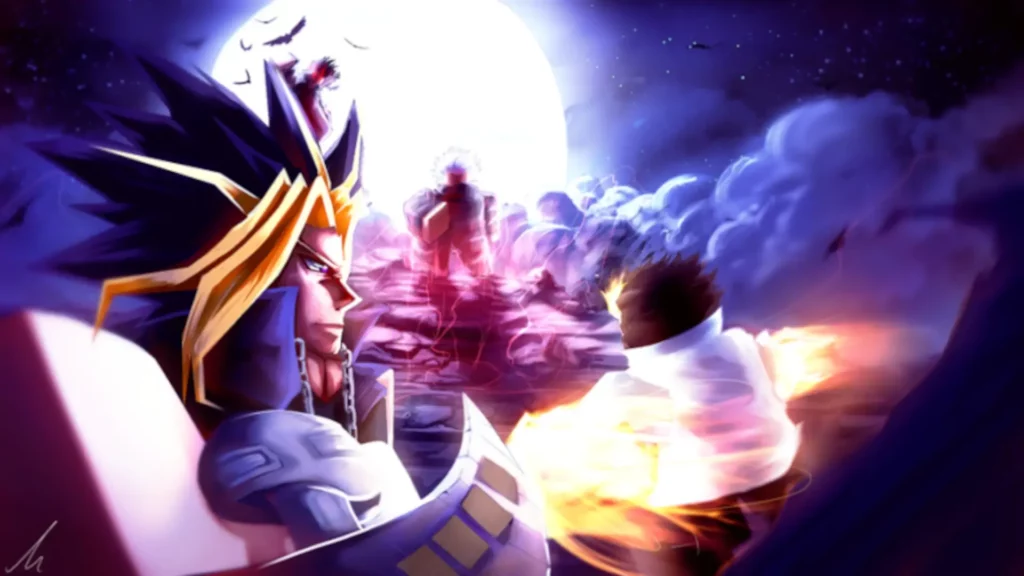
For the AU:R experience covered here, open the official Anime Unlimited page on Roblox and check the creator name AU:R. Start there rather than with a similarly named copy or an old code list.
Server invitation or reward code?
| What you have | What it is for |
|---|---|
| Private-server invitation | Access to a server when its owner and your account settings allow it. |
| Reward code | An in-game reward mechanism; it does not grant Roblox private-server membership. |
| Character or skin name | The name of content, not an invitation link. |
A list promising character skins, cash or gems should not be presented as private-server access. Likewise, a character name by itself is not a usable server invitation. Ask the owner for the current invitation when you want to play together.
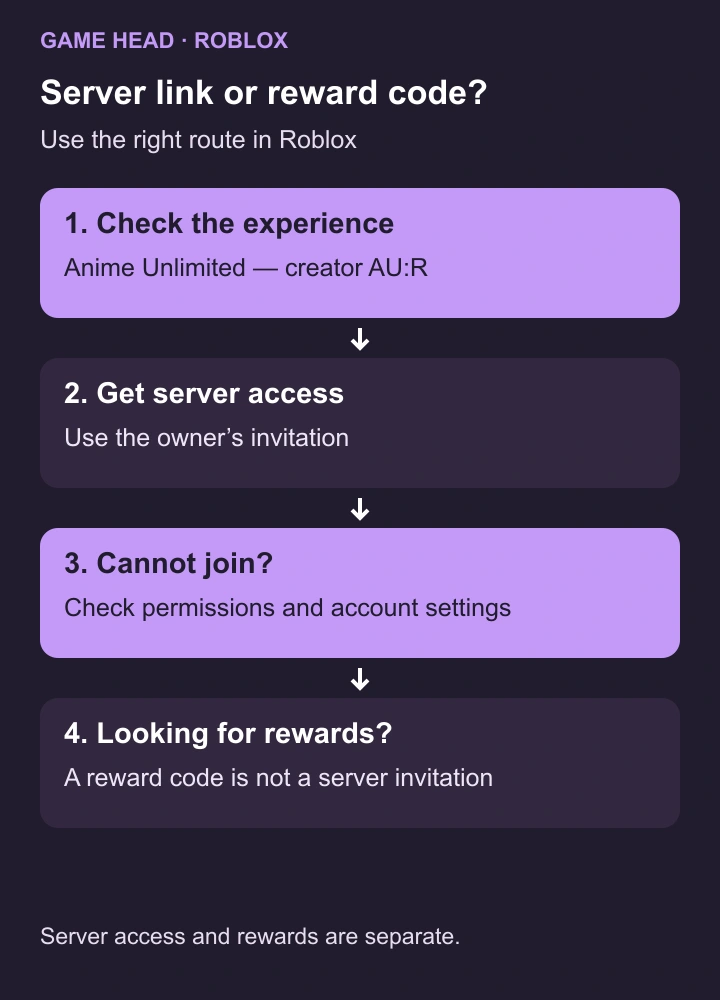
How to join a private server
- Open the correct Roblox experience page and select Servers.
- Look for Private Servers. This section is available when the creator has enabled the feature; the game may not offer it.
- Choose a server you already have access to, or ask its owner to add your Roblox username or enable access for friends.
- Use the owner’s current invitation or the available server entry while signed into the intended Roblox account.
The Roblox private-server instructions explain where to find the section and how an owner manages members, friends and an invitation link. A private server controls access; it does not by itself promise exclusive missions or extra rewards.
Cannot join? Check these first
- Correct game and account: confirm that the invitation belongs to the AU:R experience and that you are using the account the owner invited.
- Owner permission: ask whether your username is in the server’s member list or whether friends are allowed.
- Account restrictions: check the existing private-server and parental-control settings. Younger accounts can have additional joining restrictions.
- Server availability: ask the owner whether the server and invitation are still in use. Temporary experience problems can also prevent entry.
If Roblox displays error 524, follow its permission and private-server troubleshooting. Start with account settings and the owner’s access list; trying unrelated reward codes will not fix missing server permission.
Creating your own server: check the renewal
If the experience offers private servers, read the price and renewal conditions before creating one. Roblox private servers can be free or charge a monthly Robux subscription, depending on the creator. Check the next renewal date in the server configuration; there is no universal AU:R server price.
Where to find official information
Use the current Roblox experience page and the AU:R community to check the game and its official links. For a reward code, look for the developer’s current instructions rather than treating a server invitation as a redeemable reward.
For more game help, browse our guides.


these are not private server codes