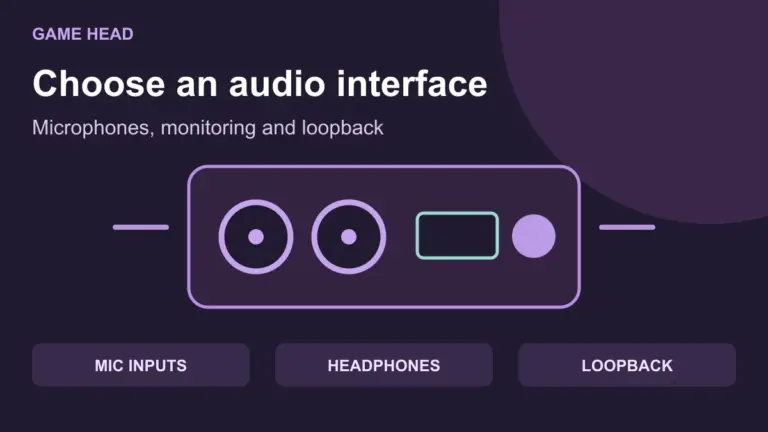
Audio Interface for Streaming: Choose XLR Inputs and Loopback
Choose an audio interface for your XLR microphone, headphones and streaming audio. Compare inputs, monitoring and loopback before buying.
GAME HEAD · PLAY ON
Guides for your game, your streaming setup and the tech behind it.
Latest articlesFind a Fire Stone in Pokémon Crystal, Gold and Silver: Alan’s Crystal-only gift, Bill’s grandfather and the Pokémon you need to show.
Compare USB and XLR streaming microphones by controls, accessories and setup requirements. Find a microphone that solves the needs of your stream.
From your first idea to a working setup: choose the guide for your next step.
Consider your time and goals. Understand revenue and calculate with your own assumptions.
Find the right connection and a microphone that fits your setup and budget.
Set up your picture and audio, then check your workflow before the next stream.
Choose an audio interface for your XLR microphone, headphones and streaming audio. Compare inputs, monitoring and loopback before buying.
Check Crossplay on both sides, quest permissions and group settings when friends cannot join in Monster Hunter Wilds.
Check which Bluetooth controllers Genshin Impact officially supports on Android, and combine the controller requirements with the game’s device requirements.
Check whether Steam is still patching files before resetting a download. Understand download regions, cache clearing and installation errors.
Back up a local Minecraft Java world or export Bedrock on Windows. Restore a separate copy and check your builds before replacing your save.
Use a supported controller in Wuthering Waves on Android or iPhone. Check Bluetooth, phone requirements and Controller Mode when inputs do not work.
Repair installed Steam game files, understand failed verification messages and separate installation problems from saves and mods.
Move your Brawl Stars account with the existing Supercell ID. Check the right profile, fix email-code problems and know when official recovery is needed.
ARC Raiders friends cannot join? Check friend requests, party invites, open parties and each member’s Crossplay setting with a clear step-by-step guide.
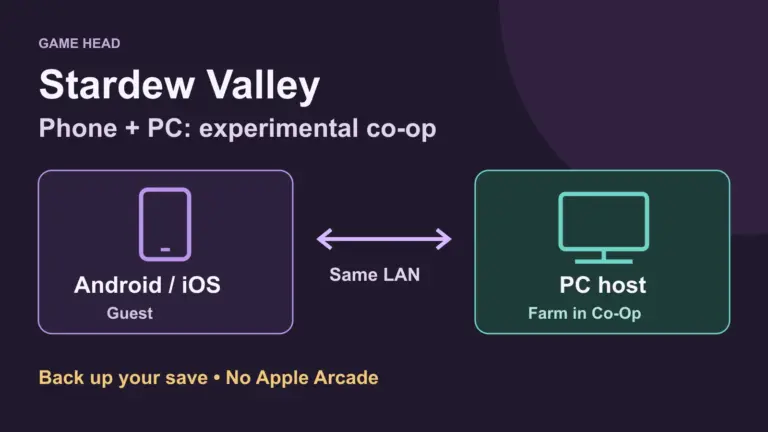
Which devices can share a farm? Check platform pairs and connect a phone to a PC-hosted farm using the experimental mobile mode.
We use necessary cookies to run this website. Choose ‘Accept’ to also allow cookies from us and third parties for statistics and marketing, or ‘Reject’ to keep them disabled. You can change your choice at any time in ‘Cookie settings’. Read more in our privacy policy.