
If Steam shows 0 B/s, first check whether the update is still making progress on disk. Downloading and installing are different jobs. If the progress continues, let it finish. If nothing moves or Steam shows an error, use that message to choose the next step.
Check what has actually stopped
A small download can involve rebuilding much larger game files. Valve’s SteamPipe documentation explains why patching can need substantial local disk work. Network speed alone does not tell you whether that work has finished. Disk activity is a clue, not proof that everything is healthy.
| What you see | Next step |
|---|---|
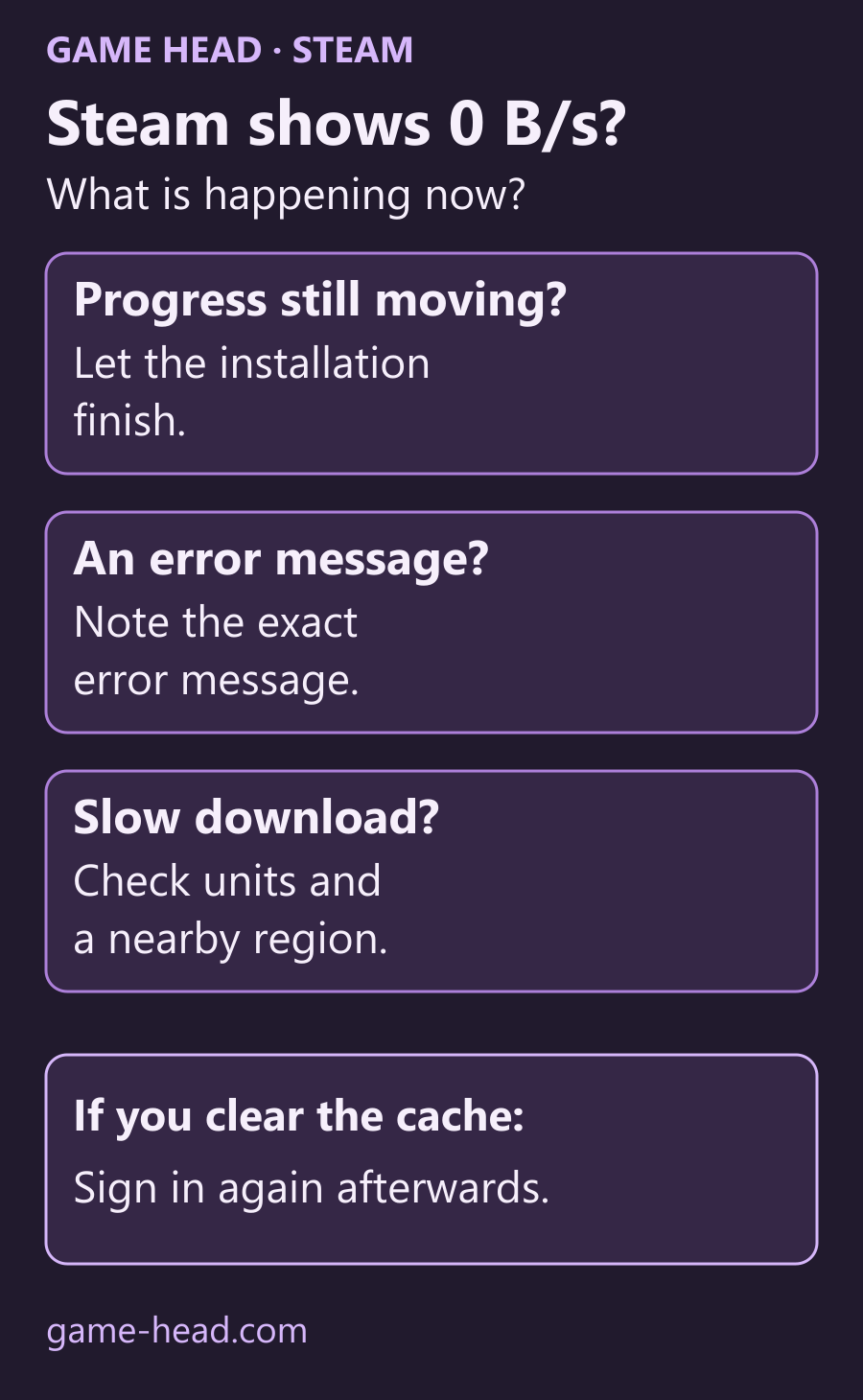
| 0 B/s, update progress continues | Wait and watch the installation progress. |
| Download stopped with an error | Note the exact error before changing anything. |
| Data arrives, but slower than expected | Check the displayed unit and download region. |
If the download really is slow
Check whether Steam shows bytes or bits per second. One byte equals eight bits, so 10 MB/s and 10 Mbps are different speeds. Steam’s slow-download guide explains the units and region selection. Under Steam → Settings → Downloads → Download Region, check your current region and try a nearby one. Compare one change at a time; there is no universally fastest region.
Clear the cache when a download will not continue
Have your login method ready first. Valve says clearing the download cache leaves installed games unaffected, but you must sign in again.
- Open Steam → Settings → Downloads.
- Choose Clear Download Cache and confirm.
- Sign back into Steam.
- Retry the download and check whether progress resumes or the original error returns.
A brief dip to 0 B/s alone is no reason to reset the cache.
If Steam gives an installation error
Restart Steam and the computer. For a library-folder problem, Valve documents Settings → Storage → … → Repair Folder. For damaged installed files, use our Steam file verification guide: Library → right-click game → Properties → Installed Files → Verify integrity. Follow the official installation troubleshooting for the actual error rather than deleting the game folder.
If it still fails, give Steam Support the game name, exact error and the steps already tried. That is more useful than changing several settings at once and losing track of which one helped.
Questions about Steam downloads at 0 B/s
Does 0 B/s always mean a Steam download is stuck?
No. Steam may still be installing an update on disk after downloading its data. Check whether installation progress continues. Disk activity alone does not prove that the update is healthy; if progress stops or an error appears, use the exact message to investigate.
Does clearing the download cache delete installed games?
Valve says the process does not affect currently installed games. You will need to sign into Steam again afterwards, so have your login method ready before clearing the cache.
Is there one fastest Steam download region?
No. Valve recommends checking your current region and trying nearby alternatives. Compare one change at a time; a region that helps one connection is not guaranteed to improve another.