
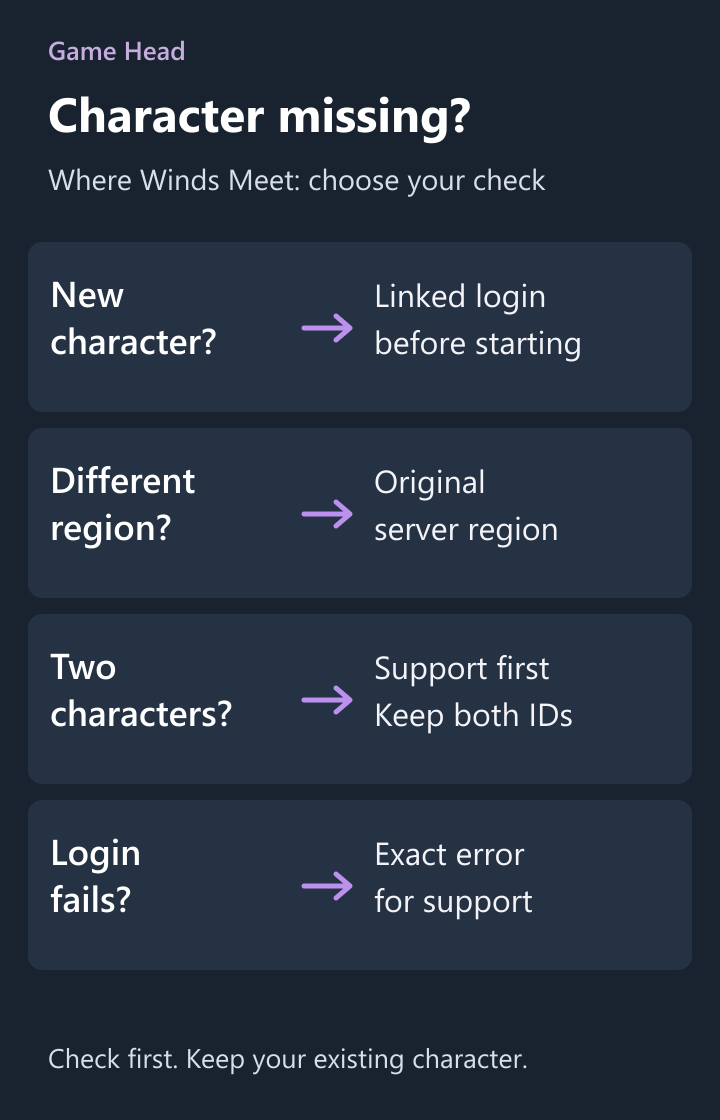
Your Where Winds Meet character appears on PC, but your phone wants you to create another one? Check the login linked to your existing character and the selected server region first. Mobile supports shared progress. Creating a second character is not the next step: two accounts that already have their own characters cannot simply be linked together.
Choose the check that matches your screen
| What you see | What to check next |
|---|---|
| PC has your character; the phone offers character creation | Use your existing linked account on mobile before making another character. |
| Both devices have different characters | Stop the linking attempt and ask support to inspect the accounts. Do not choose a character to delete on guesswork. |
| You changed the server region | Return to the region used by the character you want. Cross-progression does not transfer a character between regions. |
| An error appears before you can log in | Keep the exact error message for support. A login failure alone does not establish that your character was deleted. |
NetEase’s Mobile FAQ confirms shared progress and the link-before-character rule. The distinction matters when a phone offers a fresh start: pause there and inspect the account you already use.
Keep the PC character: check these in order
- On the PC where your character is available, record its name and server region. Keep a screenshot of its account or character identifier if the game displays one.
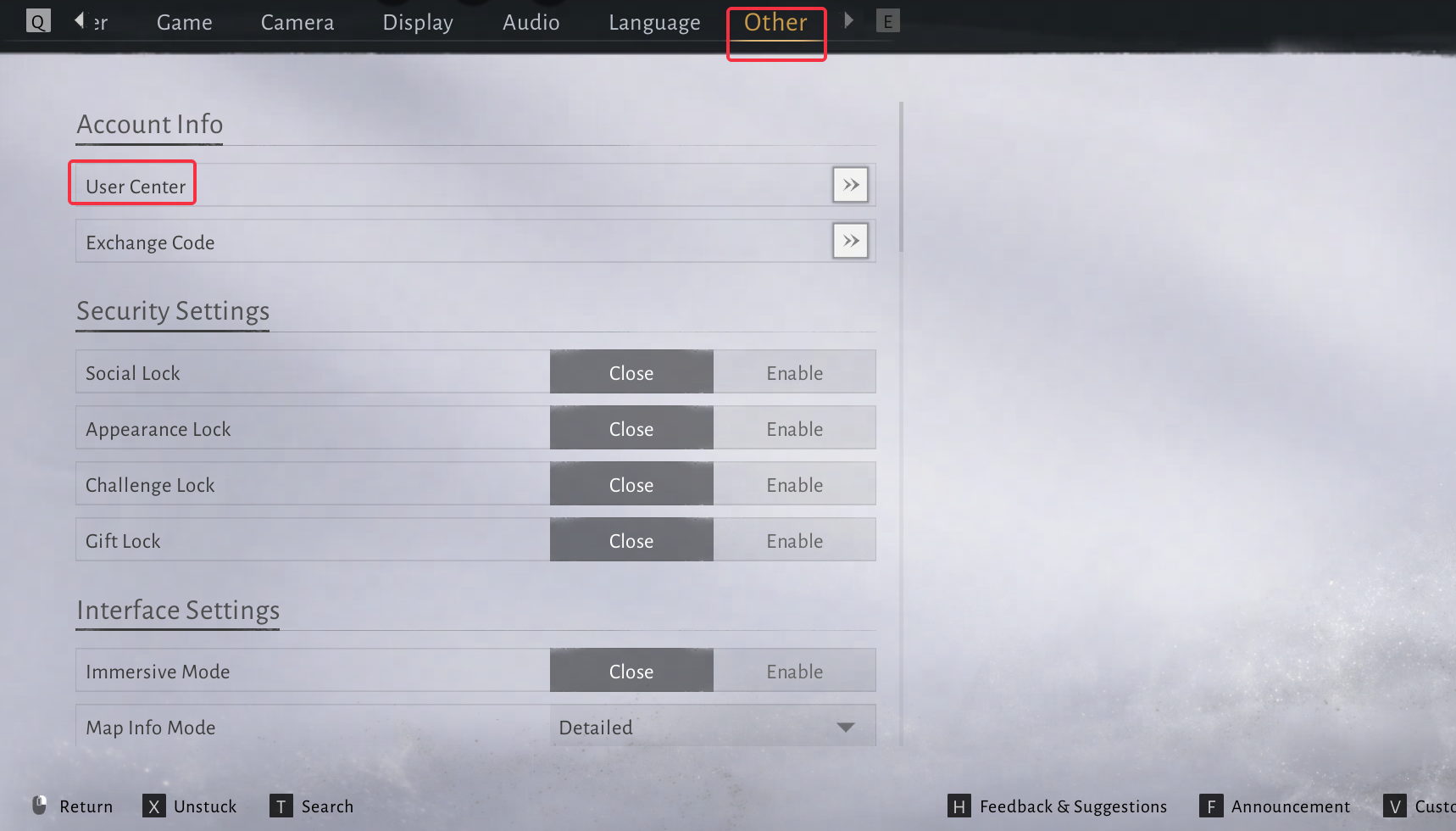
- Open the account-linking area. For Steam and Epic, NetEase lists Settings → Other → User Center → Link Account. For the official PC launcher, it lists the title screen → User Center → Link Account.
- Inspect the linked login you intend to use on your phone. Complete the link before creating a character on that new platform. Do not unlink the account that currently accesses your PC character.
- On mobile, use that existing linked account and the same server region. Confirm the character shown before continuing. If it still differs, stop and keep both account details for support.
Those are the English labels in the official guide. A matching email address by itself is not your check: inspect which login is actually linked. For example, record whether you selected Steam, Google or an email login rather than describing all three as “my email account.”
Same account, different region
NetEase’s later platform FAQ explicitly limits cross-play and cross-progression to the same server region. Account linking therefore is not a region-transfer tool. Compare the selected region on both devices before changing any links.
Already made two characters?
The official linking guide says two accounts with existing characters cannot be linked. It directs affected players to customer support if deleting that data is being considered. That is not a promise to combine two characters, inventories or purchases.
For a useful support request, note the original platform, character name or identifier, original region, login method on each device and the exact linking error. Explain which character you want to keep. Keep this information in the official support conversation; never send a password or verification code.
Do not follow a start-over guide when your aim is to preserve your existing character. NetEase’s linking guide also sends unlinking requests through support. Reinstalling the app is not a substitute for resolving an account or region mismatch.
Questions about missing mobile progress
Can I merge the characters I made on PC and mobile?
The official guide does not offer that route: two accounts with their own characters cannot be linked. Ask support to inspect the case; do not assume deletion will merge or preserve both collections.
Can I move my character to another server region by linking accounts?
No. NetEase limits shared progress to the same server region and says character data cannot be transferred across regions.
Should I create a mobile character to unlock the linking menu?
Not when you are trying to continue an existing PC character. The Mobile FAQ tells existing players to link before creating a mobile character, or log in with their current account.

